
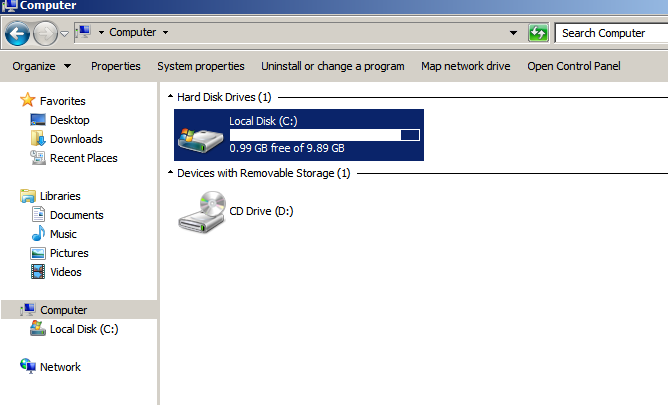
First, let's look at the current available space of the C drive:
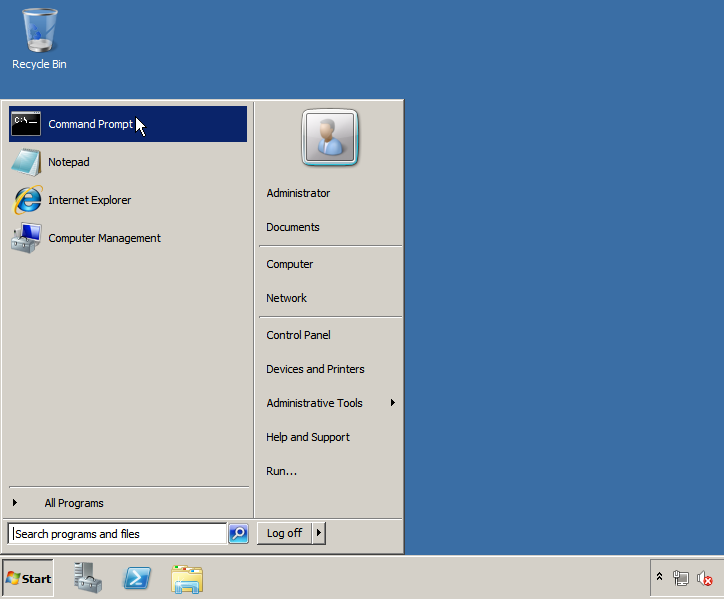
Now, let's open a command prompt:
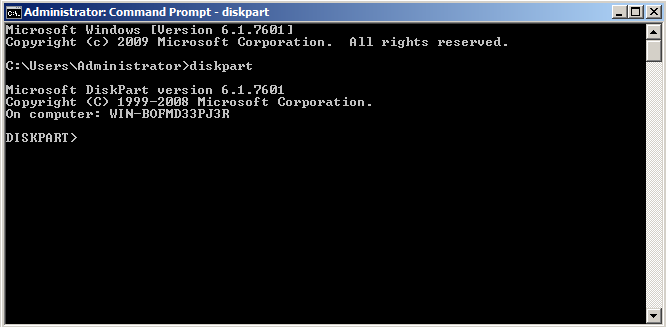
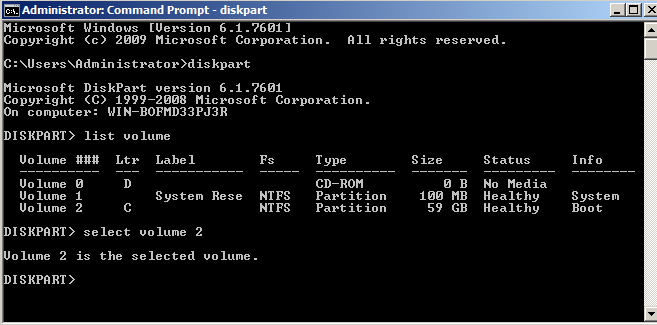
Next, run the command diskpart and hit enter:
Then run the command list volume, you should see the current volumes and their size:
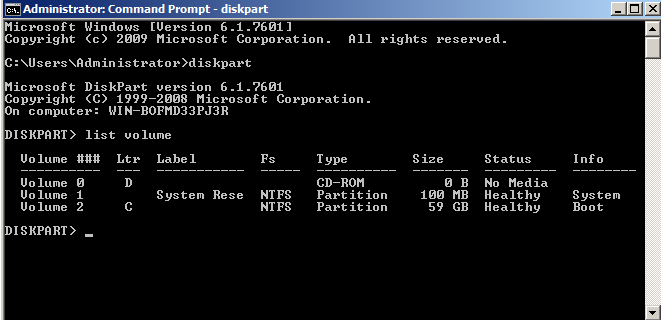
now select the volume we want to extend, in this particular case volume 2:
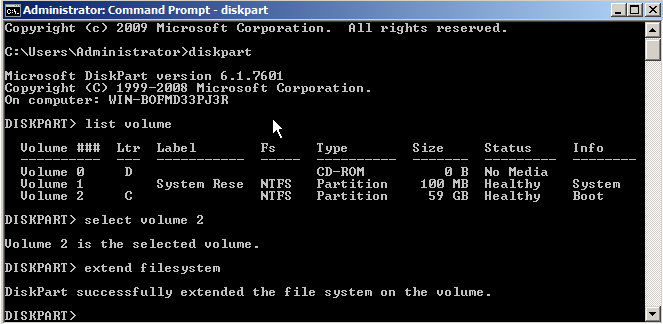
Now extend it by running the command extend filesystem, then hit enter:
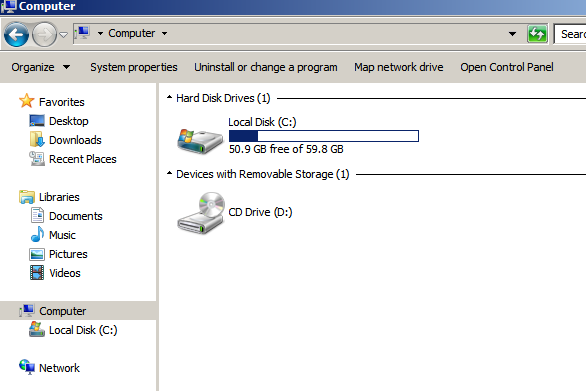
That should be it, assuming the volume had available space your C partition should now have all the available space, you can confirm this by going to the Windows explorer:
If you're looking for a Windows VPS, then you've come to the right place, Owned-Networks offers KVM virtual servers in 6 US locations, which allow you to run Windows, Linux and practically any OS that can be installed from an ISO, check out our plans here:
https://owned-networks.net/kvm.html