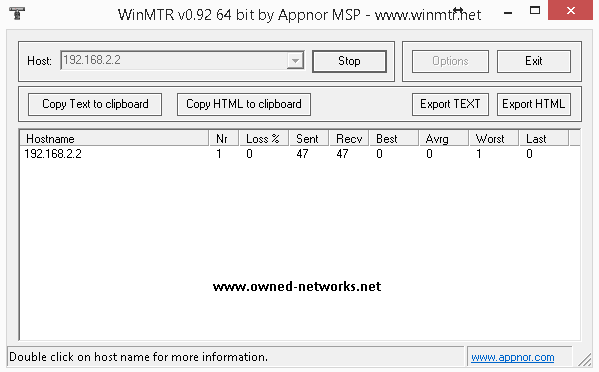
MTR (My traceroute, originally called Matt's traceroute) is a computer program which combines the functionality of the traceroute and ping programs in a single network diagnostic tool.
If you're experiencing network issues accessing your server, or the other way around, our support staff may ask for an mtr, which will help identify the root cause and will allow to better diagnose the problem.
From linux you can install MTR by running the following command
For CentOS:
yum install mtr -y
Ubuntu/Debian:
apt-get install mtr -y
After installing it simply run the command:
mtr <enter ip address here>
Example:
root@testnode:~# mtr 192.168.2.2
Which will return something similar to this: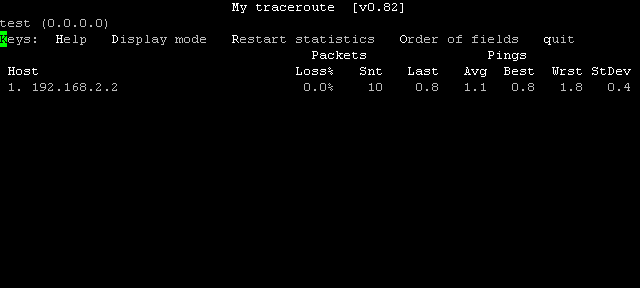
You will want to let it run for some time so it gathers enough information, then take a snapshot of it and include it in a ticket to support, make sure to include an mtr both ways (one from your server to your computer's public IP address, and another one from your computer to your server).
If you're on Windows you can use WinMTR, which you can download from hereRunning an mtr on windows is faily simple, once you've downloaded and extracted winmtr, simply open it, enter the IP on the host field and hit start, let it run for some time and then take a snapshot of it to include in the ticket to support, it should look similar to this: