
PHP is so common that a 78.9% of all websites online to this date are running PHP (according to W3Techs’ data) Why are we here? because CentOS 7 ships with PHP 5.4 by default which is no longer supported as of September of '05 and a bunch of applications do not support it, so we're going to go through the process of installing PHP 7 which is supported by most applications at the time of writing this howto guide.
We'll need root or sudo access to get going so make sure you have the required access to the system.
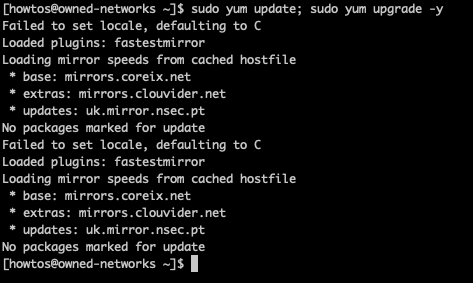
Let's first make sure we're up to date on everything:
sudo yum update; sudo yum upgrade -y
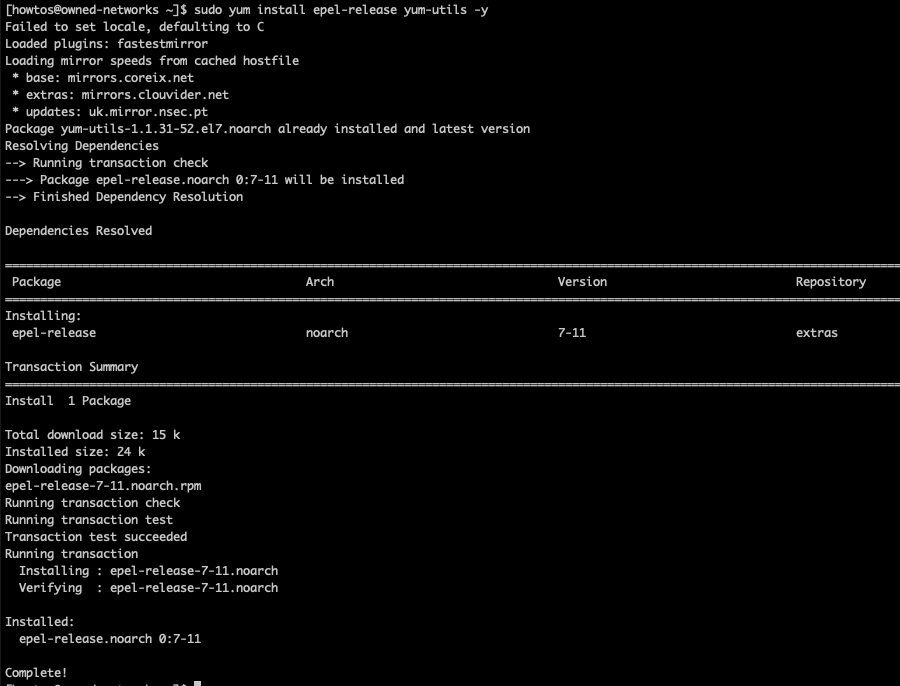
Then we'll enable the Remi repository, which is a free repository providing many cutting edge latest versions of software which are not available in your CentOS installation and or repository by default; Remi relies on epel-release so if you do not have it installed we'll start there:
sudo yum install epel-release yum-utils -y
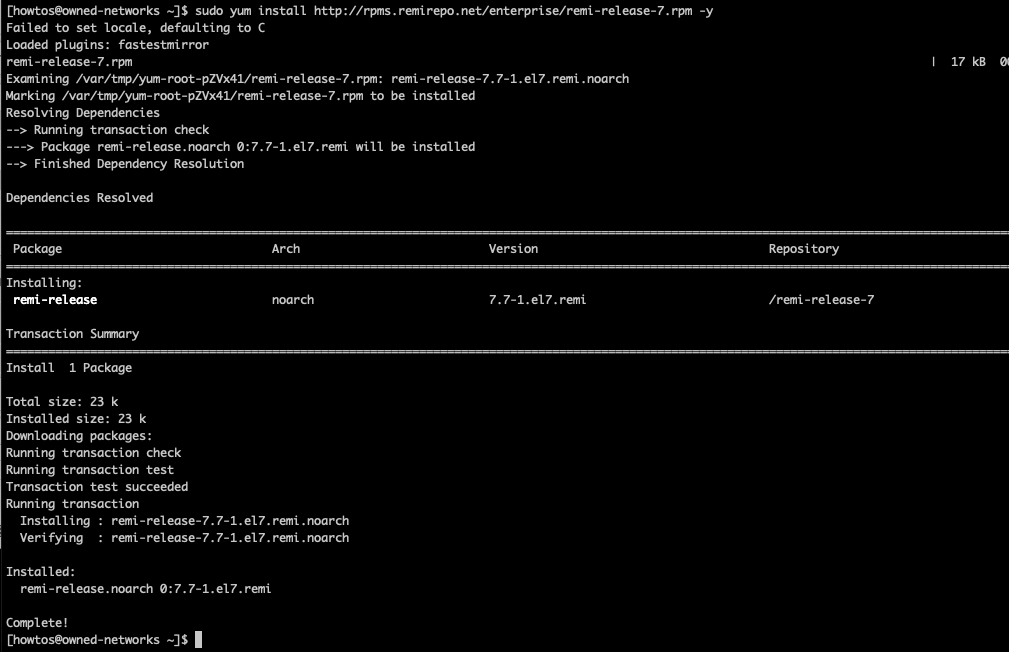
Then we're going to install the remi repo by executing the following command:
sudo yum install http://rpms.remirepo.net/enterprise/remi-release-7.rpm -y
Then we'll install PHP 7.3 which at the time of writing this howto guide is the latest version available currently supported by most CMS platforms, for this we'll first enable the remi repo:
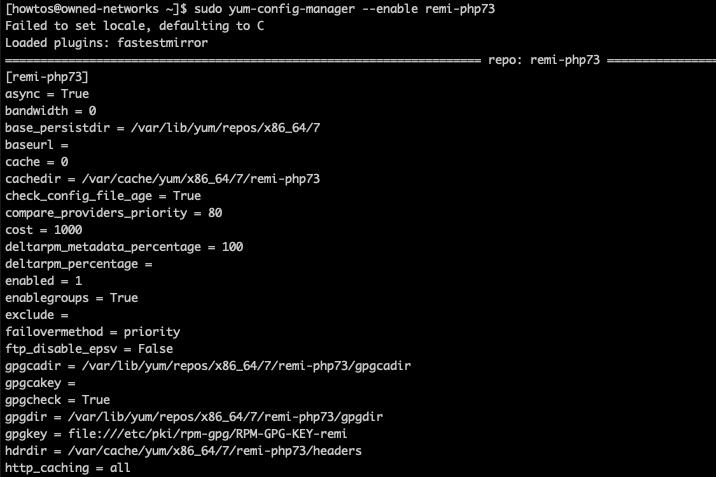
sudo yum-config-manager --enable remi-php73
Let's now install PHP 7.3 and a bunch of modules:
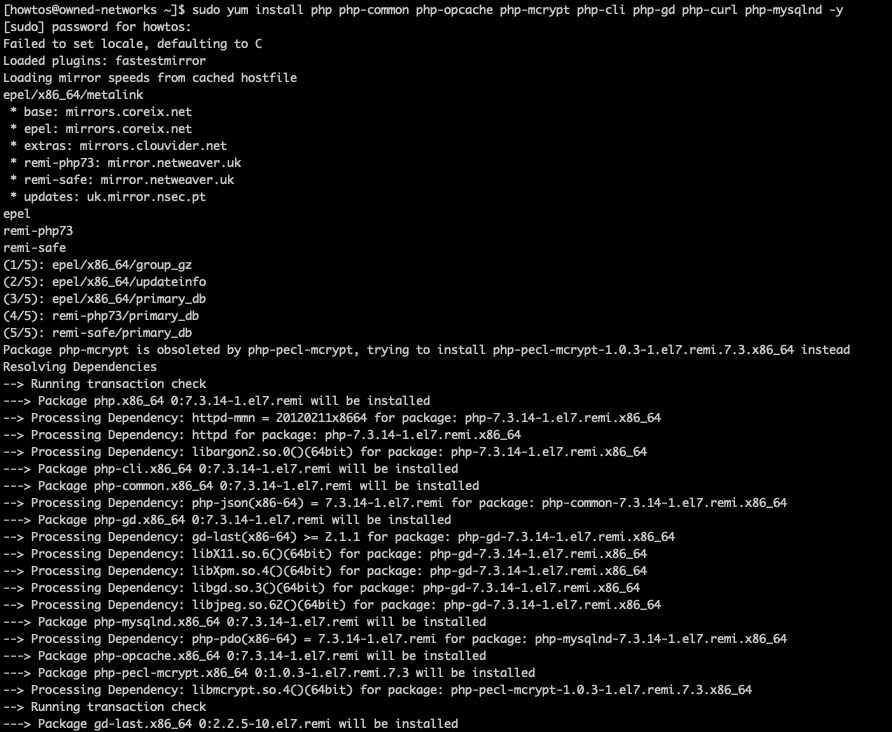
sudo yum install php php-common php-opcache php-mcrypt php-cli php-gd php-curl php-mysqlnd -y
Once this process is complete we can now check on the currently installed php version by running the following command:
php -v
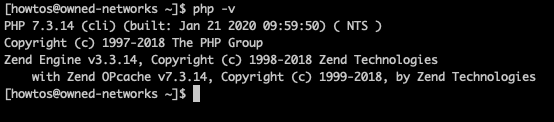
That should do, you know have a recent php 7 version on your server.
If you're looking for a Cloud VPS, dedicated server or a web hosting service please take a look at our plans here: https://owned-networks.net