
To upgrade to Ubuntu 18.04 from the terminal (especially on servers), install the update-manager-core package if it is not already installed.
$ sudo apt install update-manager-core
Then ensure that the prompt option in /etc/update-manager/release-upgrades is set to normal as shown in the screenshot below.
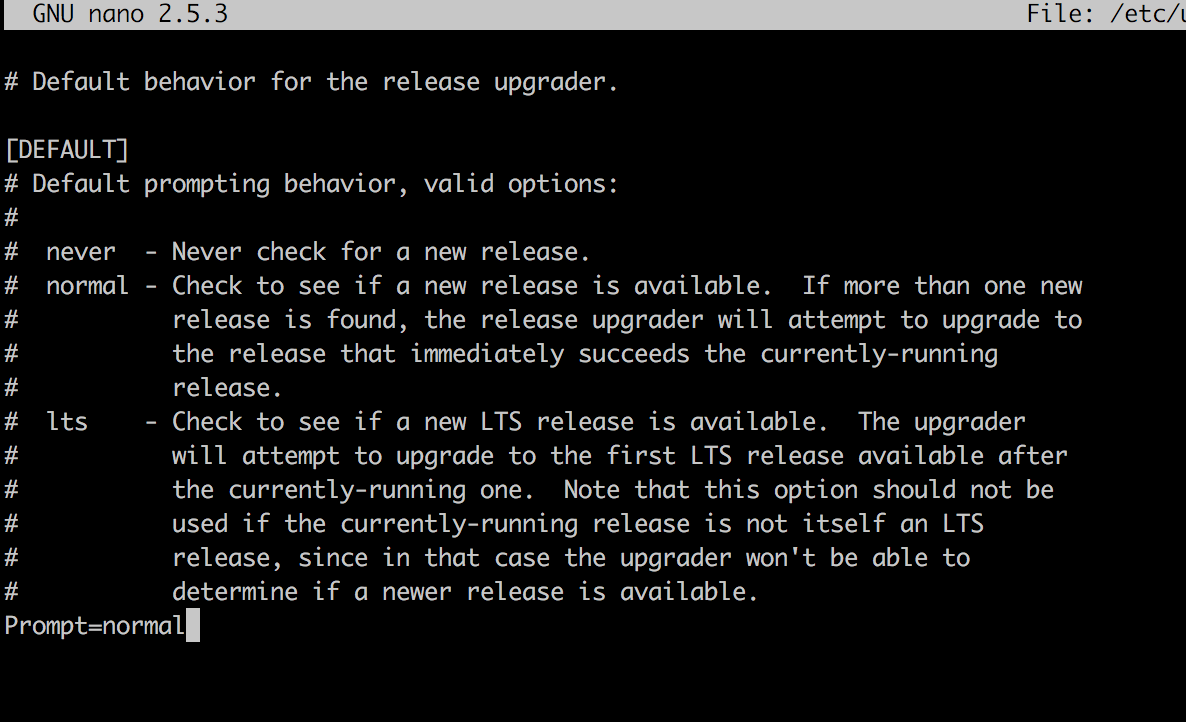
Configure Release Upgrade Options
Afterwards, launch the upgrade tool with the command below:
$ sudo do-release-upgrade
Perform Release Upgrade
From the screenshot below, enter y to continue with the upgrade process (Or view all packages to be installed by entering d). And follow the on-screen instructions.
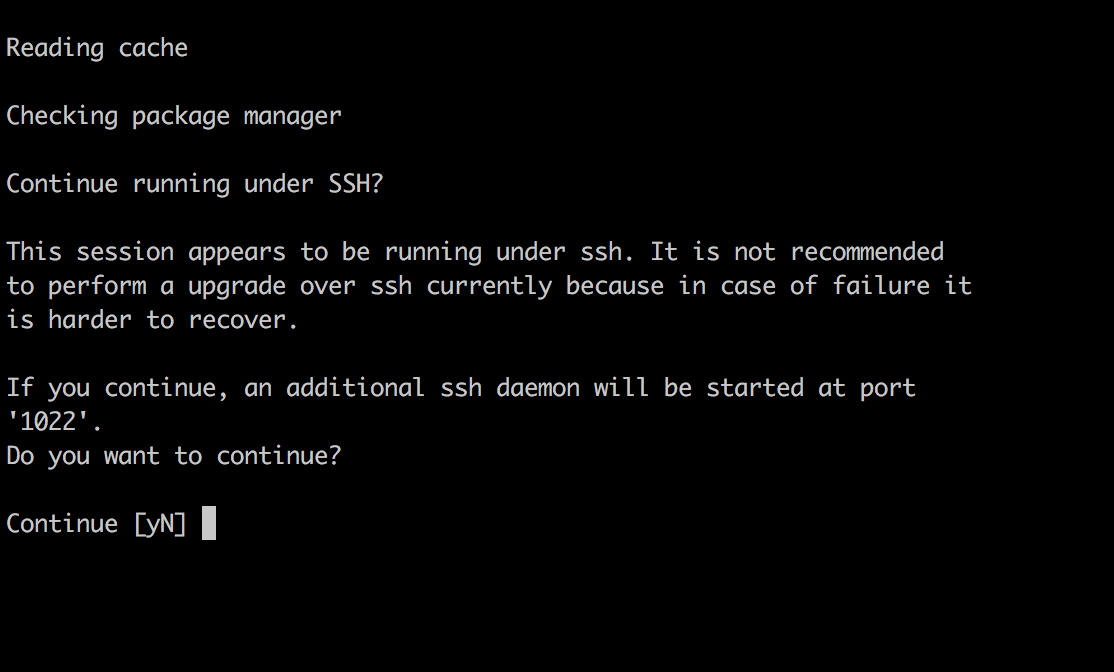
Ubuntu Upgrade Process
Wait for the upgrade process to complete and you will be prompted to reboot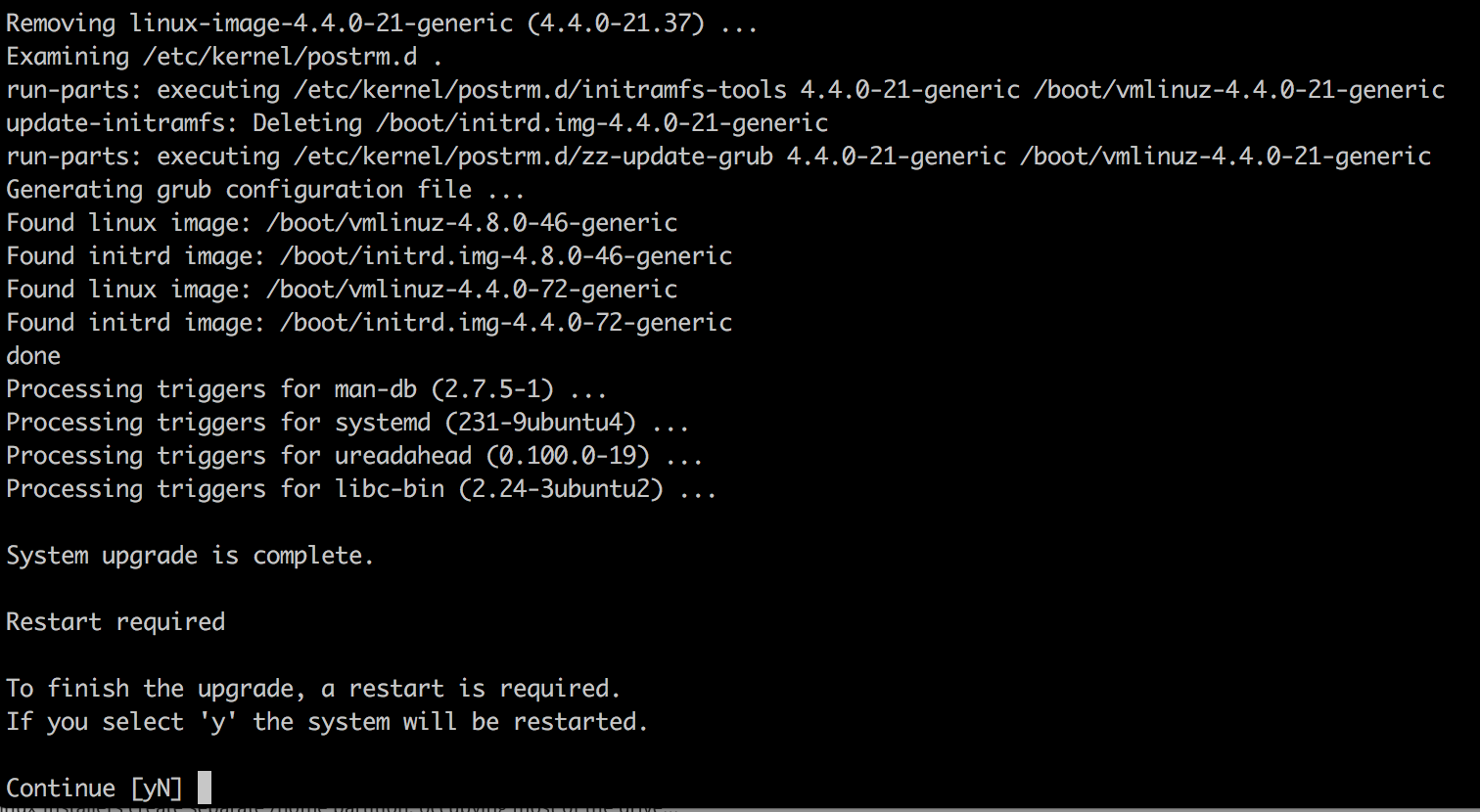
once it's back up you may login into Ubuntu 18.04.